Working with Key Images
You can select important images in a study and save them as a key image series. Referring physicians using InteleConnect EV can automatically view a patient’s key images when they open a study. To view other images, a referring physician must have applicable privileges.
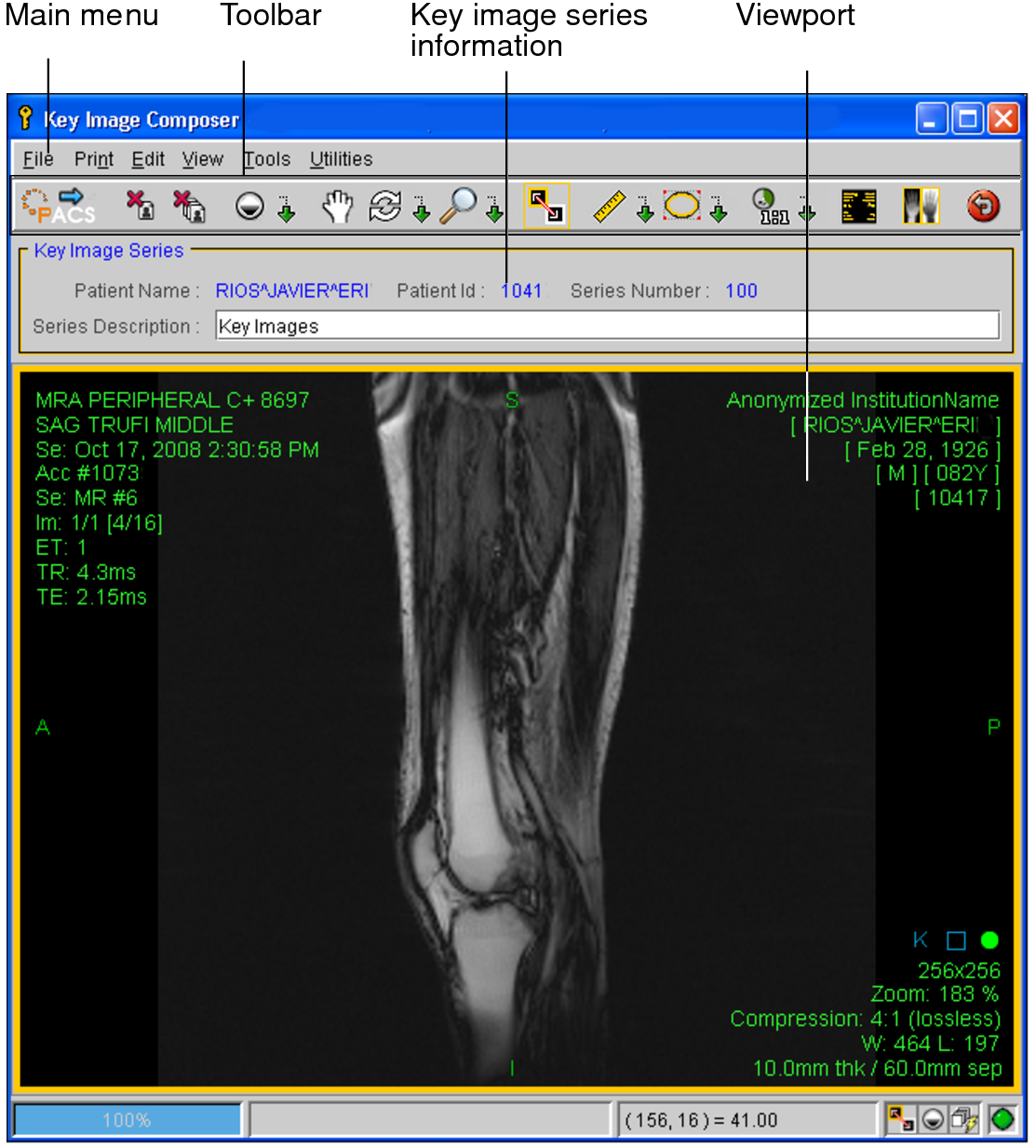
You can create key images in the Key Image Composer. You can zoom, adjust the window level, and manipulate key images by using the standard InteleViewer toolset in the Key Image Composer. You can also create measurements, text annotations, arrow annotations, elliptical, and circular annotations on the images to highlight particular areas of interest.
When you are done creating key images, you save them in IntelePACS for permanent storage as a DICOM presentation state. Once sent to the IntelePACS, a key image series is saved with its original study. In the Search tool, a modality of “PR” and the words “KEY IMAGES” in the Series Description indicate that the series contains key images.
To use this feature, ask your PACS administrator to enable the appropriate privileges in your user account.