Series Matching
Both the study matching and series matching criteria must be satisfied for InteleViewer to apply the layout protocol to a given study. Once you create a series match, you then use it to specify where each series appears in the viewports.

Each series match that you define must be found in the study you are trying to open for the layout protocol to be used. If even one series match does not correspond to a series in the study, the layout protocol will not be applied.
To set the series matching criteria:
- Choose a Series Layout. See Series Layout.
-
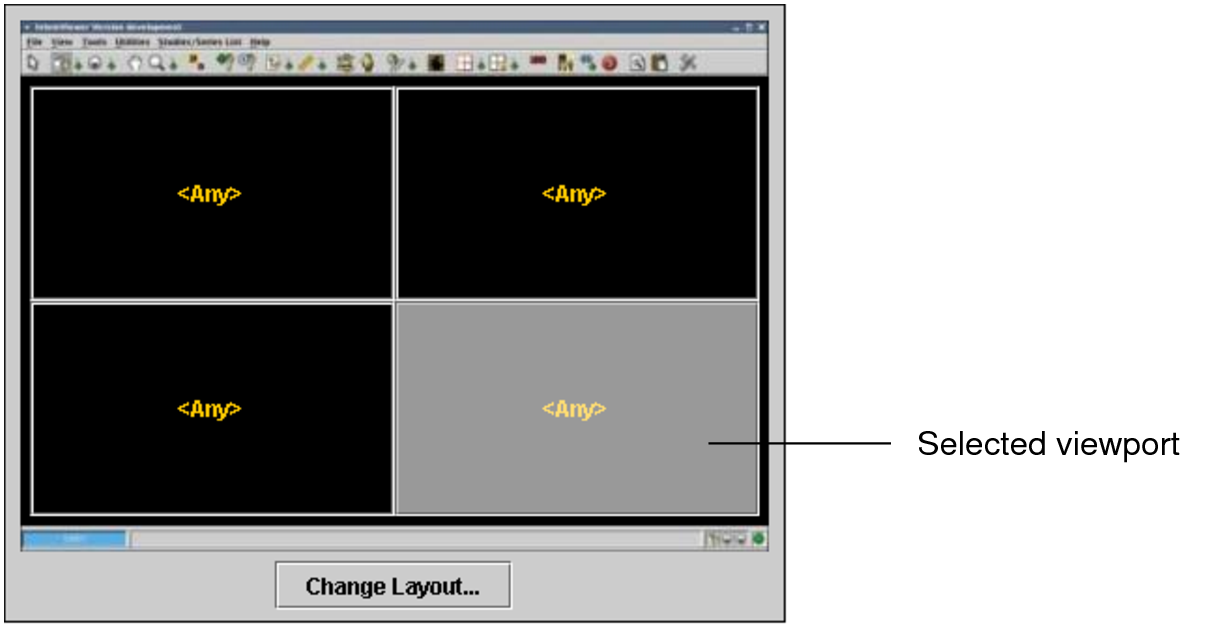
Click a viewport to select it. Choose the viewport location where you want to display the series that matches the description you are about to create.
The selected viewport is highlighted.
You can change the viewport assignment, if required. See Assigning Series Matches to Viewports.
-
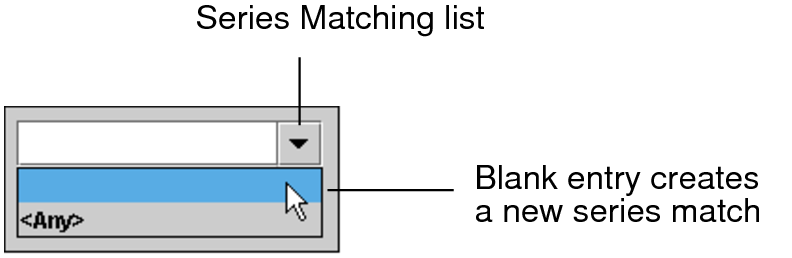
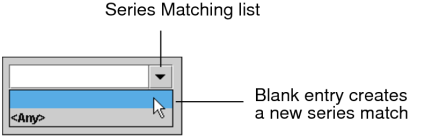
Click the Series Matching list and choose the blank entry to create a new series match.
-
Enter a name for the series matching criteria in the field.

-
Enable Prior Study if this series should come from the prior study.
When you use Layout Management when opening studies, a “P” icon appears in the viewports to indicate prior studies.
-
In the Series Description field, enter text that will be used to identify the series.

The text is not case-sensitive; therefore, typing “t1 sag” is the same as typing “T1 SAG”.
-
Choose an operator to determine how the series description should match the text.
Choose:
To match series descriptions that:
Contains All Of
Contain all of the specified keywords, in any order. Use quotation marks to specify exact phrases.
Contains Any Of
Contain at least one of the specified keywords, in any location. Use quotation marks to specify exact phrases.
Equals
Contain all the text exactly as it appears, including spaces and without any additional characters.
Begins With
Begin with the specified text. Studies with the text located elsewhere in the description (such as in the middle) will not be matched.
Contains None Of
Do not contain any of the specified keywords.
When using the Contains All Of, Contains Any Of, and Contains None Of operators, partial matches are supported—the specified keywords do not require preceding and following spaces in the study description to match. For example, if the study description contains “right elbow,” the keyword “rtelb” will match.
-
If applicable, enter the dataset number in the Dataset field.

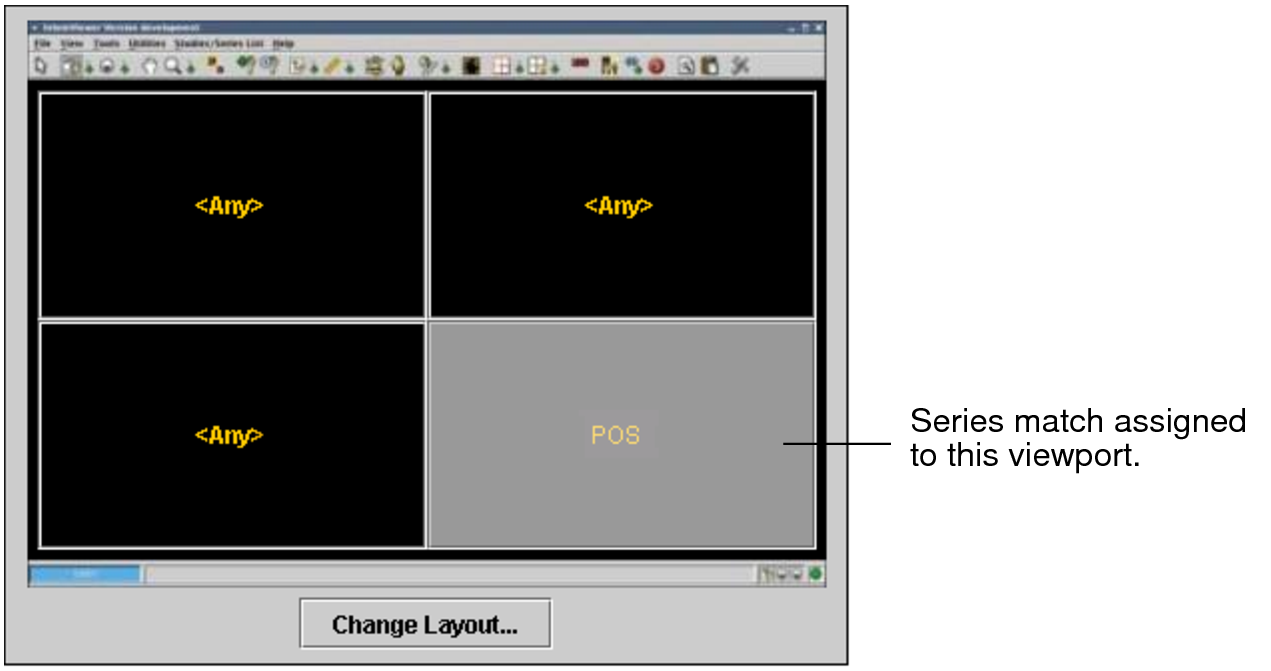
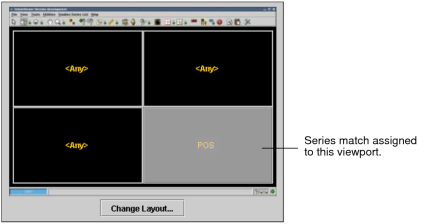
The series match that you created is assigned to the selected viewport, and its name appears in the viewport.
-
Set the Series Display options, as required. See Series Display.
The Series Display options are not used to determine if the layout protocol matches a given study.
- Repeat steps 2 to 9 for each series match that you need to define in the layout protocol.