Using Super Series Stacking to View Images
For uninterrupted stacking of images in a study, use the Super Series Stacking tool. The Super Series Stacking tool stacks all series images in chronological order based on acquisition date and time. Super Series Stacking includes scanned documents and key images. For example, if a study contains five series, each with six images, you can use the Super Series Stacking feature to view all 30 images in sequence.
When you change the series layout, the Super Series Stacking feature is deactivated; however, although double-clicking the viewport to zoom in or out changes the viewport layout, the Super Series Stacking feature is not deactivated. When using drag and drop within a viewport, the super series functionality will preserve its activated/deactivated status.
To view a super series:
- Search for the required study. See About Searching for Studies.
-
Do one of the following:
- In the toolbar, click the Toggle Super Series Stacking
tool
 .
. - Press and hold Shift + S.
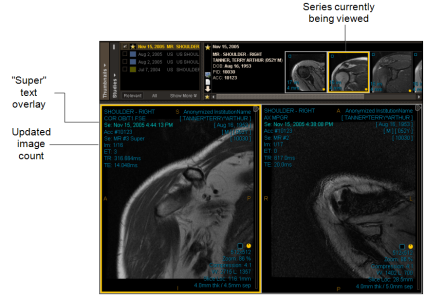
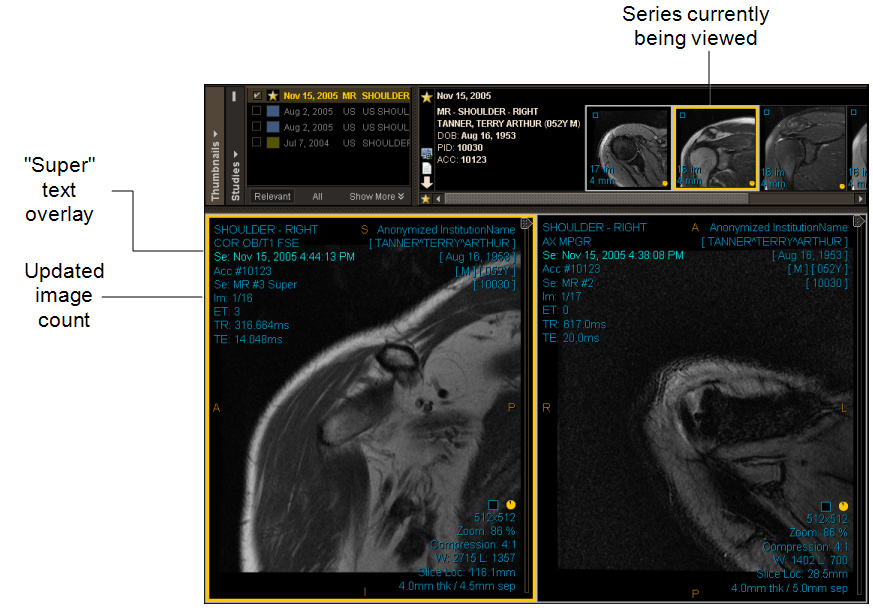
“Super” is added to the Modality, Series, and Dataset text overlay to identify the super series.
- In the toolbar, click the Toggle Super Series Stacking
tool
-
Stack images using the mouse or keyboard shortcuts. See Stacking Images.
A yellow border appears around the thumbnail to indicate which series you are viewing in the currently selected viewport. The image count is updated as you stack through all images. Once you reach the last image in a series, you automatically jump to the first image of the next series, and so on, until you reach the last image in the last series.
Enable Super Series Stacking from User Preferences
When you enable the Super Series Stacking feature in User Preferences, it will be automatically activated by default for the modality when launching a study of the desired modality type.
To enable Super Series Stacking from User Preferences:
-
Select the desired modality from the User Preferences window.
-
Under Study Options, click the Enable Super Series Stacking checkbox and click OK.

By default, the Enable Super Series Stacking preference is disabled for new users or first-time users.