Capturing Mammography or Tomosynthesis Reading Steps
You can capture a mammography or tomosynthesis layout to use as a reading step in a layout protocol. You can copy this layout to a clipboard on the Step Library, where it is temporarily stored as a reading step.
Capturing reading steps is especially useful for generated two-dimensional views, which are not available in the Step Library of the Sequence Protocol Manager.
Unused reading steps on the Step Library clipboard are discarded once you exit InteleViewer.
From the clipboard, you can move the reading step to a sequence protocol, where it will be saved. You can apply a captured reading step to your monitor from a sequence protocol where you may have saved it.
To capture a mammography or tomosynthesis reading step:
-
From the Protocol list on the Protocol Preview pane, choose Capture Layout Step.

The Captured Step dialog appears.
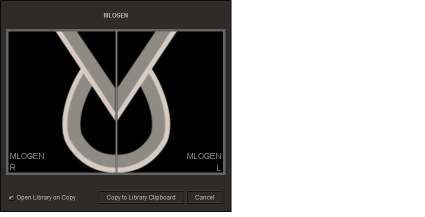
- To open the Step Library when you copy the reading step, enable the Open Library on Copy option.
-
Click Copy to Library Clipboard.
The reading step is saved to the Step Library. If you enabled the Open Library on Copy option, the Step Library appears.

See Also