Copying and Deleting Layout Protocols
You can quickly create multiple layout protocols with similar settings by copying them and then editing only a few parameters. Delete any layout protocols that you no longer require.
To copy a layout protocol:
- Choose the modality whose preferences you want to set, and then click the Layout Protocols tab.
-
Click a layout protocol to select it, and then click Copy.
The new copy appears in the list, and contains the same parameters that were defined in the original.
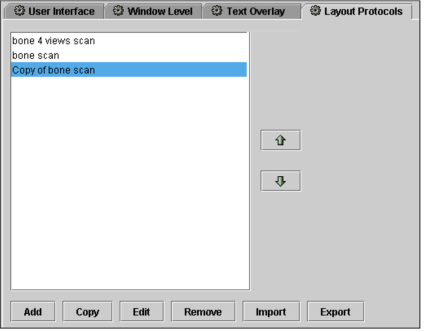
- Edit the copied layout protocol to change its name or alter its settings, if required. See Creating Layout Protocols.
- Click Apply to save your changes.
To delete a layout protocol:
- Choose the modality whose preferences you want to set, and then click the Layout Protocols tab.
-
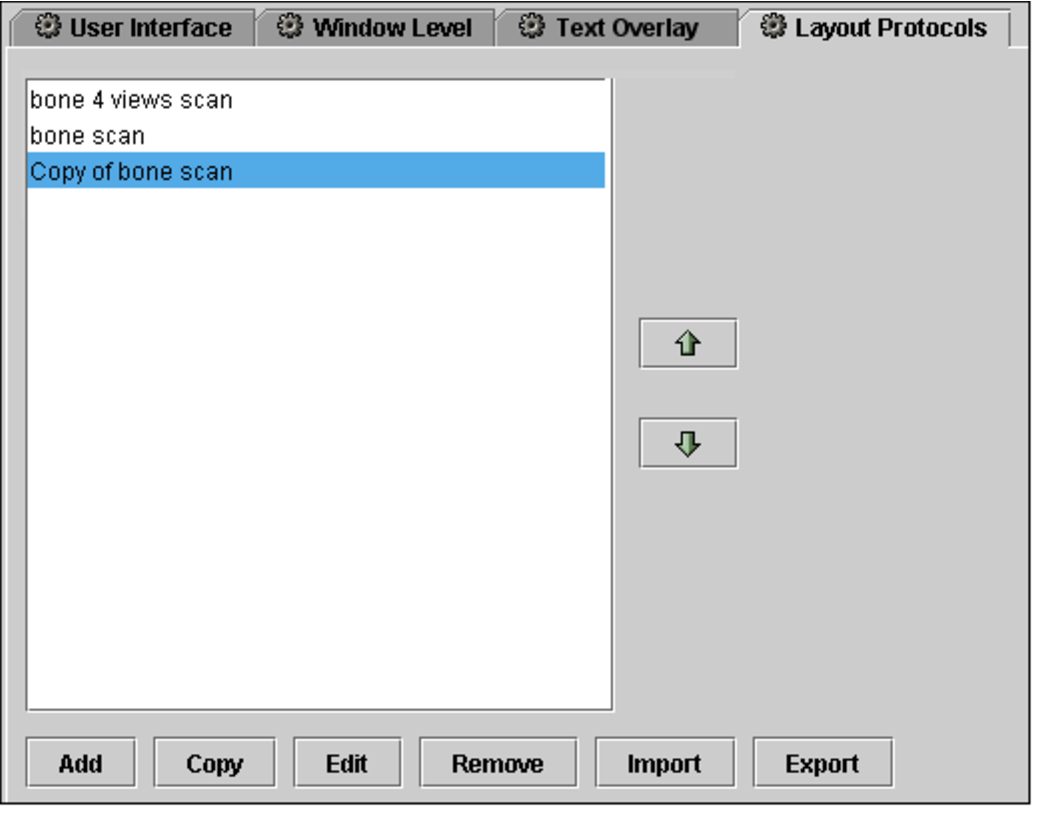
Click a layout protocol to select it, and then click Remove.
The layout protocol is deleted.
- Click Apply to save your changes.