Study Options
Use these settings to automatically customize various aspects of the interface when opening studies. They do not have a role in determining whether the layout protocol matches a given study.
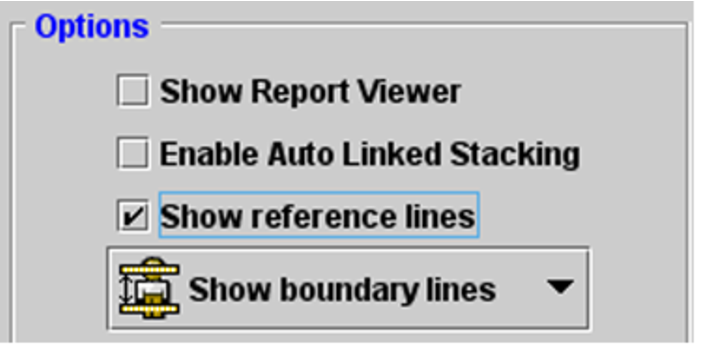
Show Report ViewerAutomatically displays associated reports when you open the study.
Enable Auto Linked StackingAutomatically enables the Auto Linked Stacking tool when stacking multiple series simultaneously.
Show Reference LinesDisplays series cross-reference lines, and assigns the default reference line setting. You can choose Show Boundary Lines or Show Current Line Only.