Opening Incomplete Orders
Open orders that do not yet contain all images to provide early feedback on the images that are available, to request additional images, or to have a preview of your upcoming workload.
You can view patient information, priors, and impressions. You can communicate critical results, review the quality of the available images, reserve incomplete orders and change their priority.
You cannot dictate incomplete orders. If an order has been completed during the time that you are viewing it, clicking the Refresh Worklist button updates the order and displays the dictation controls to allow you to dictate the order. You can only dictate the order if it is not reserved or locked for dictation by another user.
To open an incomplete order:
-
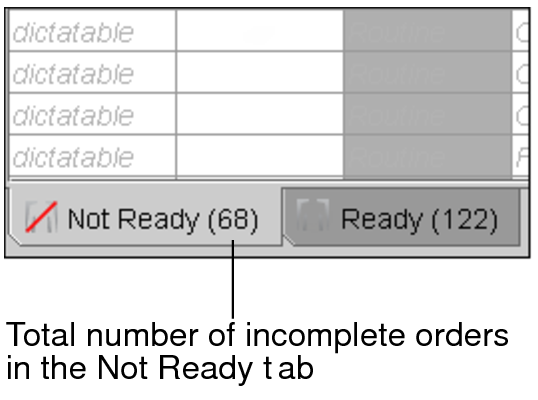
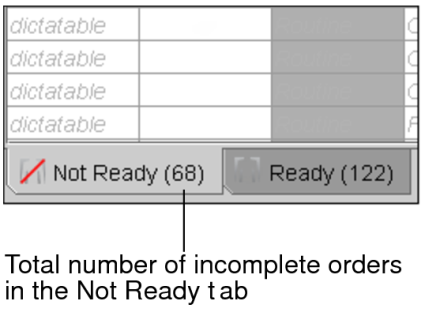
From the worklist, click the Not Ready tab.
A list of incomplete orders appears.
-
Do one of the following:
- Double-click the order.
- Right-click the order and then choose View.
- Select the order and then press Enter.
The Patient Record tab appears and the available images are opened in InteleViewer. Click Refresh in the Patient Record tab periodically to see if the order status has changed to Complete.
-
To dictate an order that is complete and not reserved or locked by another user, click Locked for Dictation.
The dictation controls appear.