Showing and Hiding Columns
You can choose which columns of information appear in the worklist or the Patient History panel. Any changes you make to the columns visibility are saved automatically.
To show and hide columns:
-
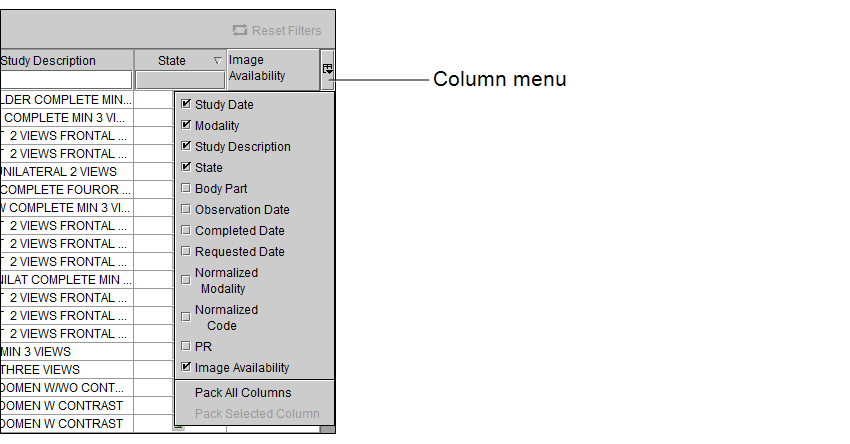
Click the Column menu or right-click a column heading.
All available columns appear, and a check mark next to a column name indicates that it is currently being displayed.
-
Select a heading to show or hide the column.