SyngoVia Preferences
Set the SyngoVia preferences to view nuclear/PET/CT/MR images in the syngo.via software from Siemens.
Your user account must be configured to access this feature. For more information, contact your PACS administrator.
For information on using syngo.via, please refer to your Siemens syngo.via product documentation.
The SyngoVia preferences are workstation-specific, and therefore will not roam.
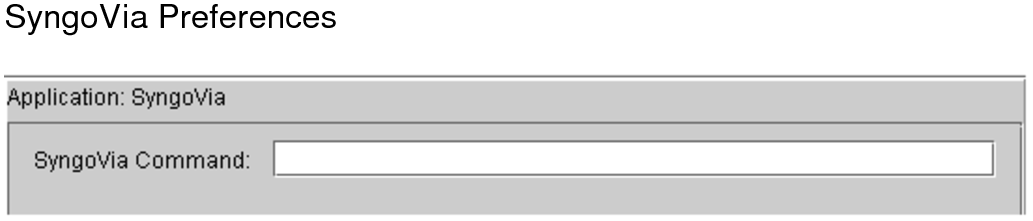
SyngoVia CommandThe path to launch the executable of the syngo.via application. You can add the following parameters to the path for more flexibility:
|
Enter: |
To add: |
|---|---|
|
-append |
Specified images to the current workflow. If no workflow is currently in process, this parameter is ignored. |
|
-priors |
Prior data of the DICOM study instance UID, according to the rules in the mapping table. |
|
-a |
Accession number. |
|
-s1 |
Study instance UID. |
|
-nseries |
Number of series. (Used only as a qualifier to the -s1 parameter.) |
|
-s2 |
Series instance UID. |
|
-pid |
Studies with the DICOM patient ID. |
|
-lwwc |
Current Windows user credentials as login information syngo.via. |
The parameters -a, -s1, -s2, and -pid are mutually exclusive. Specifying more than one will cause an error.
See Also