Customizing Overlay Preferences
You can customize viewport features such as the display of text overlay information, reference lines, and image orientation.
You can also configure the text that appears in the text overlay.
To customize the overlay preferences:
- From the main menu, choose Utilities | User Preferences (Ctrl+U).
-
Choose the modality whose preferences you want to set.
-
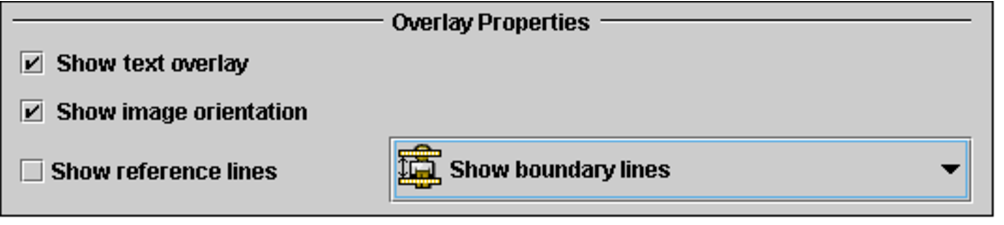
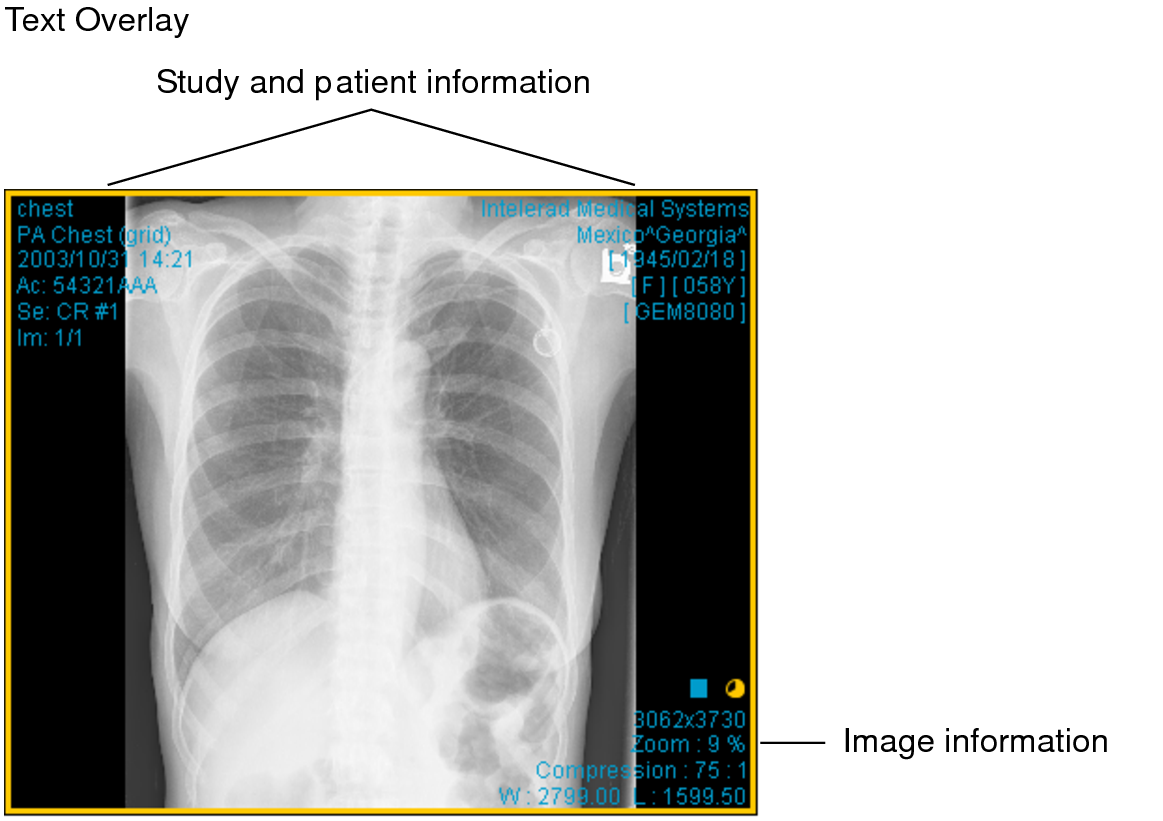
To display the related patient, study, and image information when you open images, select Show Text Overlay.
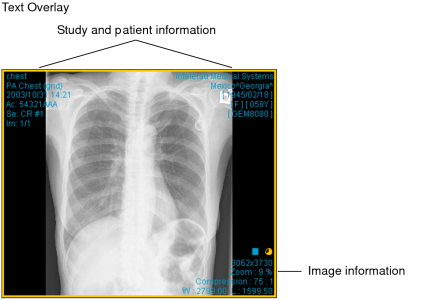
-
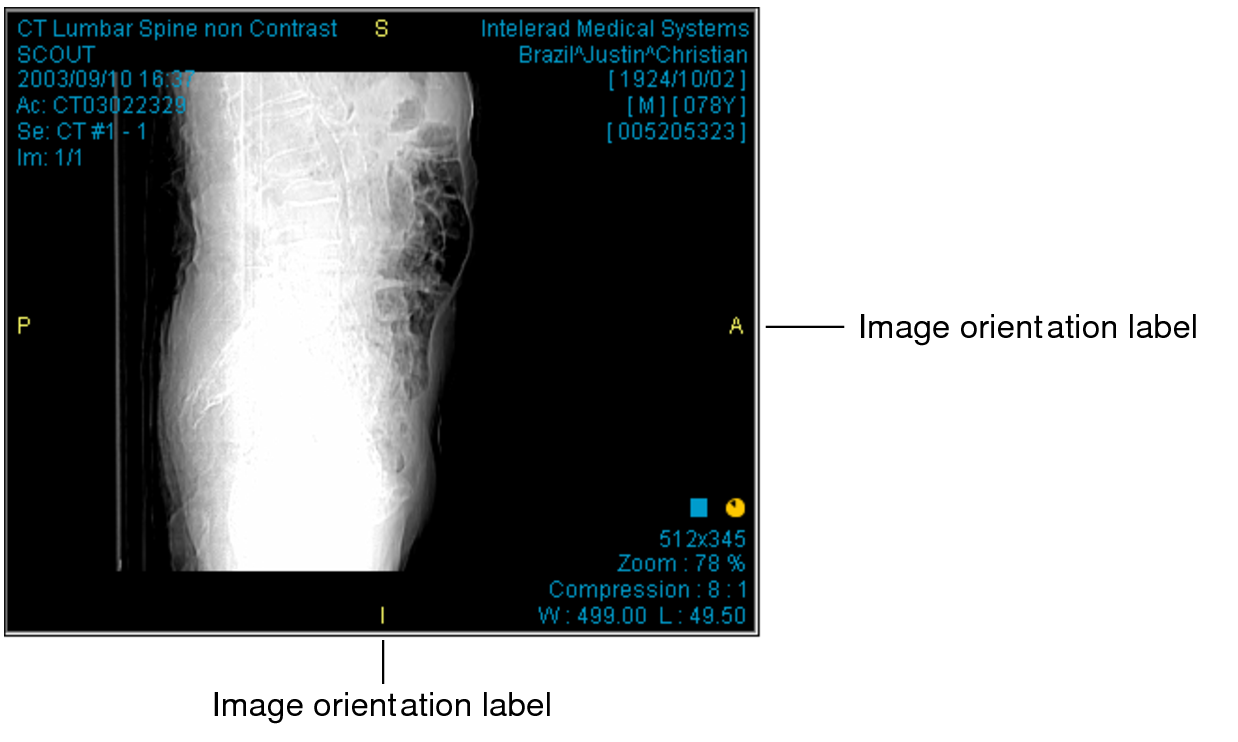
To display image orientation labels when appropriate to the series, select Show Image Orientation.
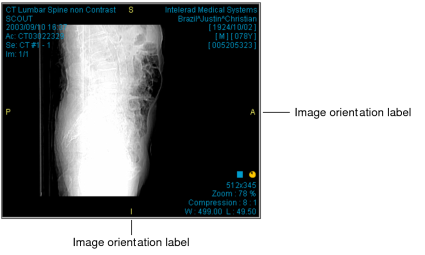
- To show the series cross-reference lines, select Show Reference Lines, and then set the default reference line setting. You can choose Show Boundary Lines or Show Current Line Only.
- Click Apply to save your changes, or click OK to save your changes and close the User Preferences dialog.