Change Language
You can change the display language in the login page, to customize your work environment.
To customize the interface:
-
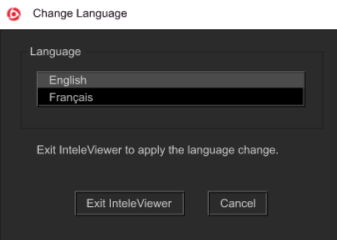
In the list of options to the left of the bookmarks, click on the Change Language bookmark.
-
To change the interface language, choose an option from the Language list. You can choose to display French or English.
-
Click Exit InteleViewer.
The interface updates to reflect your changes next time you start a new session.