Using the 3D Cursor
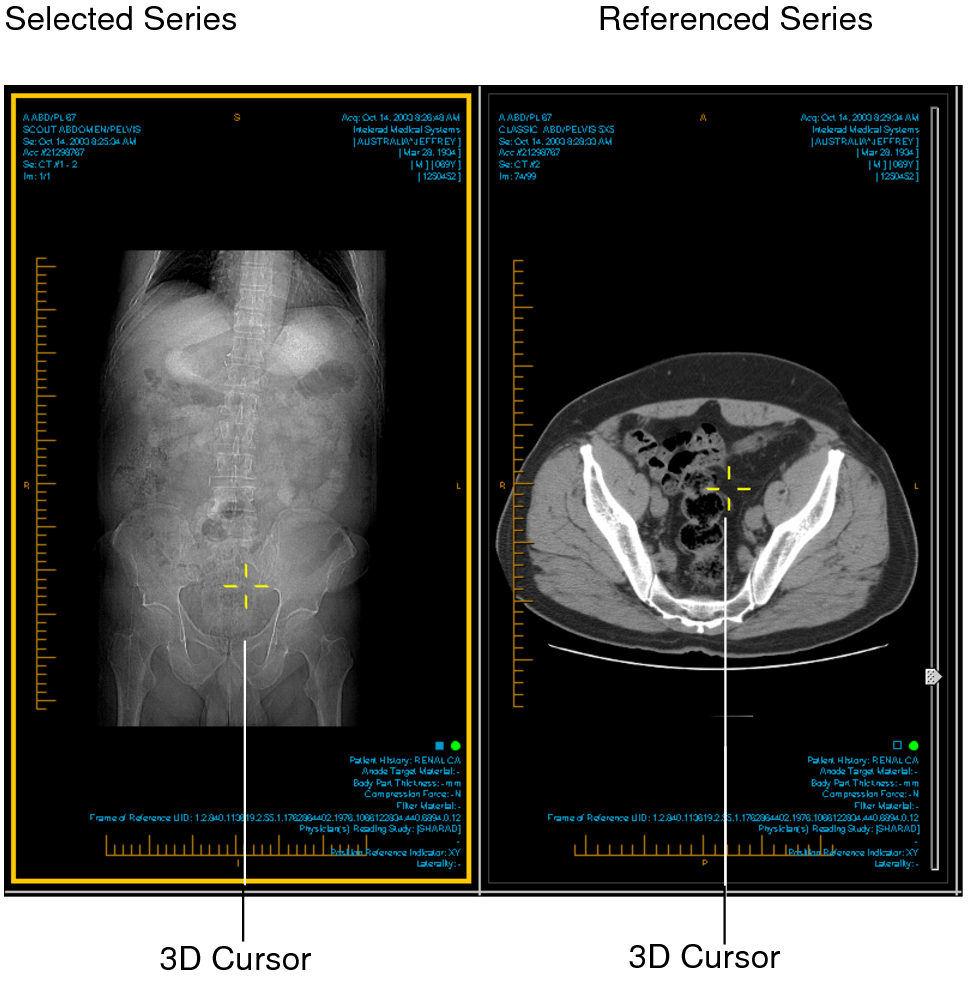
Use the 3D cursor to locate a point in 3D space on a set of multi-planar images. As you reposition the 3D cursor on one image, the cursor position on the other images updates automatically to highlight the current image and the changing cursor position.
The 3D cursor is typically used for CT and MR studies.
To use the 3D cursor:
- Open the required study and make sure you have chosen a viewport layout that displays multiple series. See Changing the Viewport Layout.
- Click the 3D Cursor tool
 .
. -
Click and hold your mouse in the series.
The 3D cursor appears as yellow crosshairs on the selected series, and on all images acquired in the same frame of reference, indicating where the selected point is located.
-
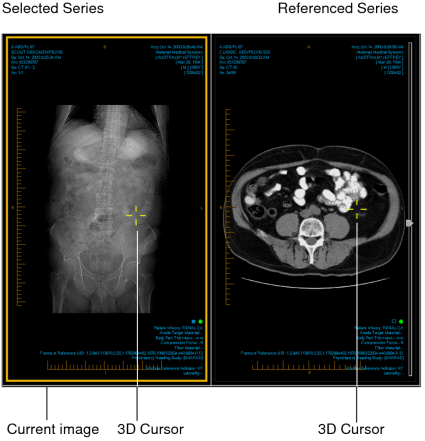
Drag the 3D cursor to reposition it.
The cursor updates on all other images.
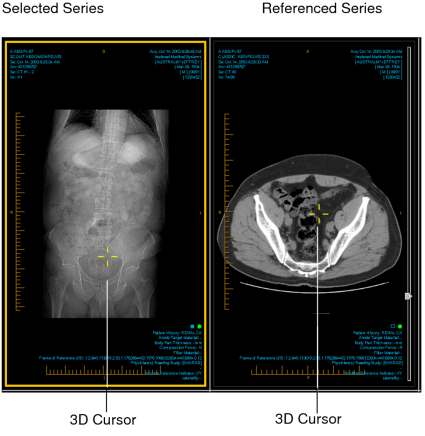
- To hide the 3D cursor, release the mouse button.