Viewing Patient History in the Report Viewer
To view the patient history:
- Open the Report Viewer. See Accessing the Report Viewer.
-
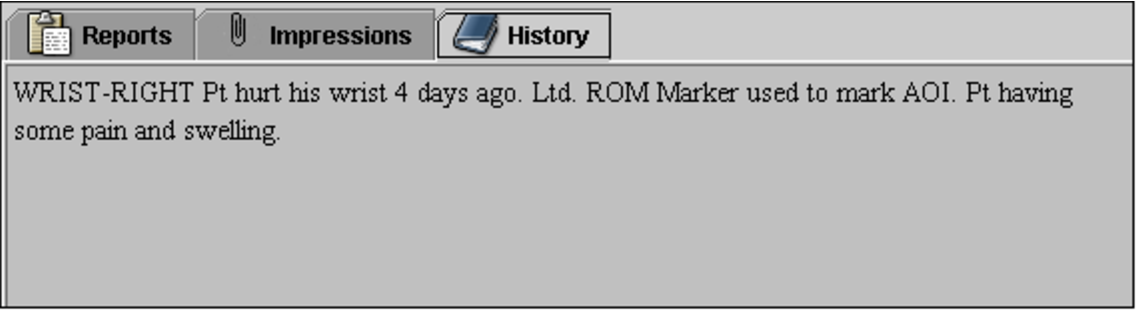
Select the History tab.
The report history appears.
If the History tab is disabled, there is no history information available.
- To view the history for another study requisitioned for that patient, select the corresponding order in the List of Orders, and then select the History tab.