Deleting Profiles
You can delete any profiles that you no longer require.
Deleting a profile cannot be undone. You also cannot delete the predefined profiles or the current profile. By hovering the mouse cursor over the Delete button, a message appears on a tooltip indicating that the profile is currently being used by InteleViewer.
To delete a profile:
-
From the main menu, choose Utilities | Manage Profiles.
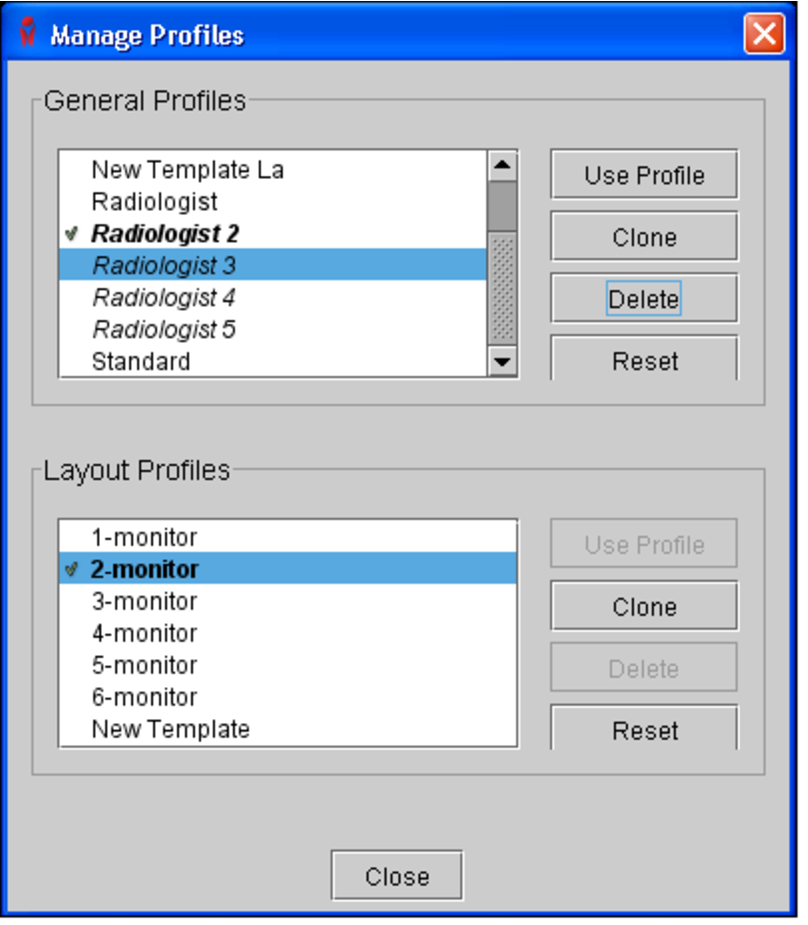
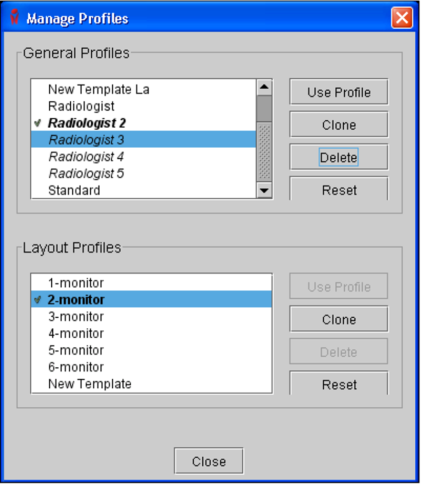
The Manage Profiles dialog appears.
-
Do one of the following:
- To remove a general profile, select it from the General Profiles list, and then click Delete.
- To remove a layout profile, select it from the Layout Profiles list, and then click Delete.
-
Click Delete in the confirmation dialog that appears.
The profile is removed from the list, as well as the IntelePACS server.
- Click Close.