Displaying Scanned Documents in Mammography Studies
You can display scanned documents in mammography studies by adding the Scanned Document Overview smart reading step to your mammography sequence protocol. The step has a two-monitor, non-uniform grid layout, where the scanned document appears in the left monitor and a CC-MLO view of the current mammography study appears in the right monitor.
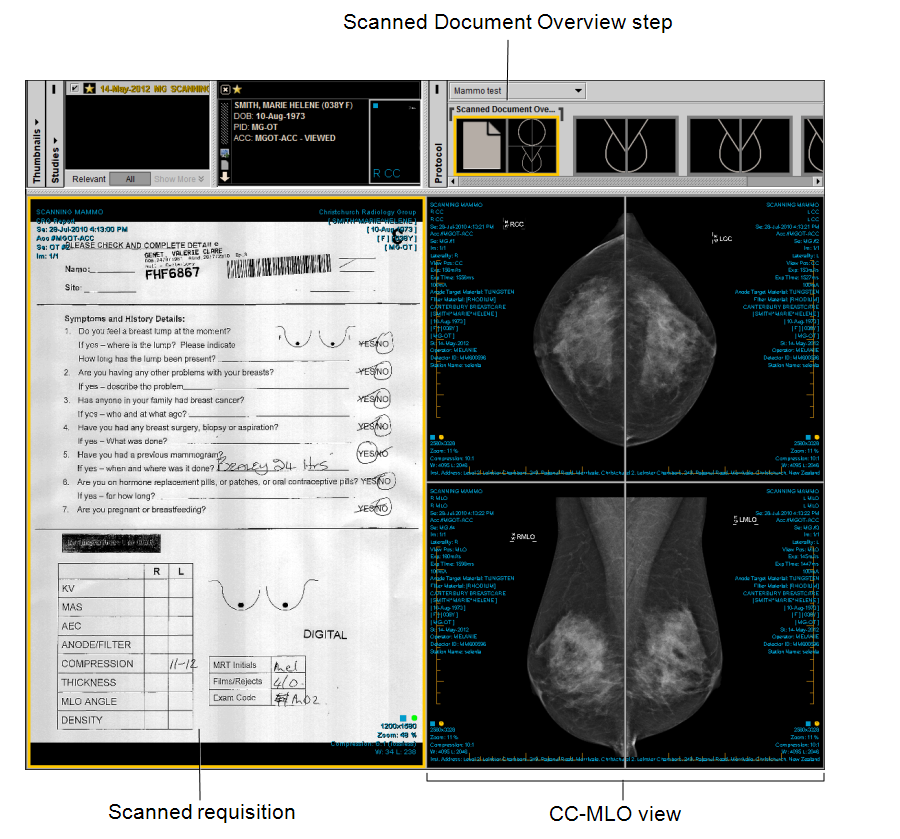
For InteleViewer to match the scanned document to the mammography study, the scanned document must be stored as an OT series with a series description that matches the keywords or phrases defined by your PACS administrator. For more information, contact your PACS administrator.
If several scanned documents match the defined keywords or phrases, InteleViewer will display repeated views of the scanned documents in the current mammography study. Scanned documents not matching any of the defined keywords or phrases will appear in the Other Images reading step in the Protocol Preview pane.