Changing your Password
You can change your password from the Login window.
If your IntelePACS is integrated with an LDAP directory service, then use the LDAP service to change your password. For more information, contact your PACS administrator.
To change your password:
-
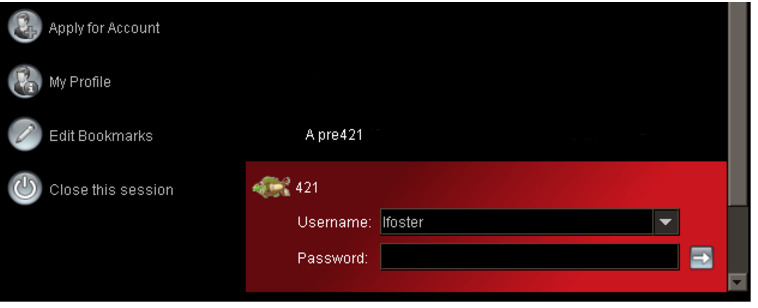
From the Login window, select a bookmark.
-
In the list of options to the left of the bookmarks, select My Profile.
The InteleBrowser Login window appears.
-
Log in to InteleBrowser and then update your password.